
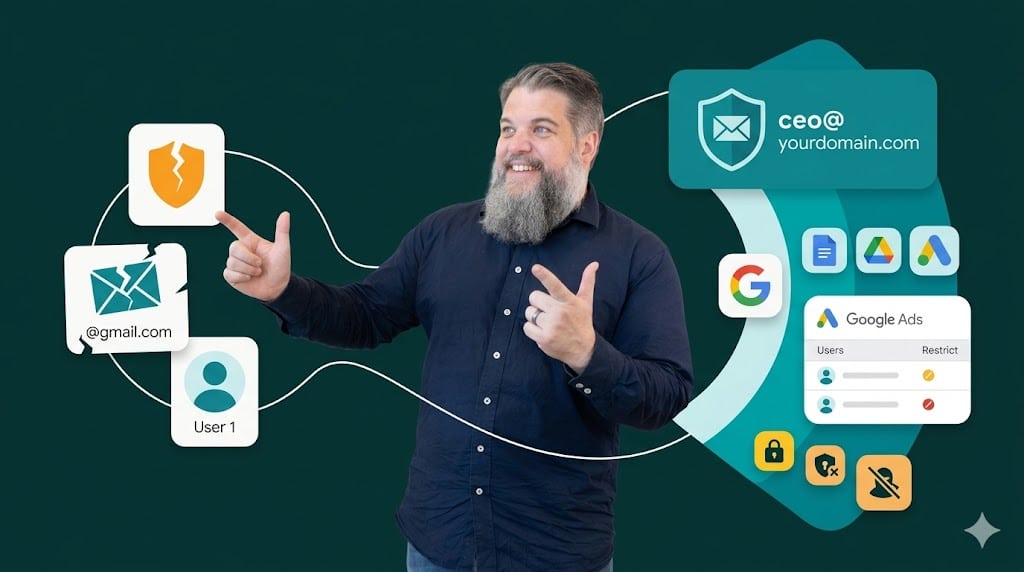
I see this all the time, and it honestly drives me mental. A new client comes to us at Unbound with a massive business, but their entire digital life is tied to something like [email protected]. It’s a shambles.
You’ve spent money on a proper domain name (sometimes). You’ve built a brand. Yet, you’re still using a “lone wolf” Gmail address to manage your most expensive assets like Google Ads or your customer data. It’s a bit of an amateur move that invites trouble.
I’m telling you now, stop doing it. You’re making it far too easy for hackers and far too difficult for your own team to stay secure.
The generic Gmail trap
Most people think they have to use a @gmail.com address to access Google’s suite of tools. They think that if they don’t pay for a full Google Workspace subscription, they’re locked out. This is a myth.
What happens instead is people create these burner accounts that sit outside their company’s control. If a disgruntled employee creates that account and leaves, they own that data. You can’t just flip a switch and take it back because it’s a personal account in Google’s eyes.
Why hackers love your [email protected] address
Standard Gmail accounts are a massive target. They don’t have the same enterprise-level oversight that a domain-linked account does. Once a hacker gets into that one burner email, they have the keys to your Google Ads and your credit card.
There’s no corporate barrier. There’s no audit trail. It’s just you, a weak password, and a prayer. If you’re running a serious operation, this is the digital equivalent of leaving your shop front unlocked at night.
Setting up your business email as a Google account: The “No-Gmail” method
You can actually turn your existing work email into a Google ID. This means you keep your current email provider—whether it’s Outlook or something else—but you use that same address to log into Google.
I call this the “No-Gmail” Google account. It’s the smartest way to manage your access without paying for more subscriptions. It’s free, it’s fast, and it’s a lot more professional than using a random address.
Step-by-step guide to the setup
Google doesn’t make this option obvious. They’d much rather you sign up for a new @gmail.com address or pay for Workspace. Follow these steps exactly.
-
Step 1: Head over to the Google Account Sign-up page.
-
Step 2: Enter your first and last name as usual.
-
Step 3: When you see the box for “Username,” ignore it.
-
Step 4: Click the blue link that says: “Use my current email address instead.”
-
Step 5: Type in your full business address, like
[email protected]. -
Step 6: Create a strong, unique password. Do not reuse your actual email password (You should look to get a password manager to make life easy for yourself).
-
Step 7: Google will send a 6-digit code to your work inbox. Grab it and verify the account.
Now you’re sorted. Your work email is now a valid Google login. You can use it for Drive, Docs, Search Console, and everything else we need to get your marketing moving.
Locking down Google Ads for better security
This is where the real power lies. Once everyone on your team has a Google account tied to your domain, you can restrict access. In your Google Ads settings, you can set a rule that only allows users with a @yourcompany.co.nz email address to be added. This is a game-changer for security. If a hacker tries to invite their own Gmail to your account, Google will flat-out block them.
It’s a simple layer of “battle-tested” reality. It prevents the most common form of account hijacking. You aren’t just hoping people are safe; you’re enforcing it.
It is also important to make sure your agency (if you are not working with Unbound) has this locked down. If they have connection to your account through their manager account and have not restricted domains in this manager account then Gmail addresses could be added to the manager account and then able to access your ads account.
Why we demand this for our Unbound clients
At Unbound, we don’t play around with “cracking chat” about security—we actually do it. We refuse to share passwords because it’s a weak, amateur way to work.
When you have your business email set up as a Google account, we can manage permissions properly. You invite my work email. I do the work. If we stop working together, you remove my access with one click.
You keep the power. You keep the data. It’s transparent, and it’s the only way to run a professional ship.
It’s about professional trust
Think about the last time you got a calendar invite from a random Gmail address. It feels a bit dodgy, doesn’t it? Now compare that to an invite from a proper professional address. It builds trust with your clients and your partners. It shows you’ve got your house in order and you aren’t just “faking it until you make it.”
It takes two minutes to set this up. It costs nothing. There is literally no excuse for not doing it.
Want to stop being a target? Get your team to follow these steps today. If you need help locking down your Google Ads security settings, give me a shout.


